
Understanding QX Trading for Indian Investors
📊 Learn QX trading basics, strategies, risks, and regulations tailored for Indian investors. Get practical tips to trade safely and effectively today!
Edited By
Isabella Peterson
Traders often struggle with cluttered screens when juggling multiple data points. Setting up four monitors specifically for trading not only increases viewing space but also improves how quickly you respond to market changes. This setup helps by displaying charts, news feeds, trading platforms, and communication tools simultaneously, all without toggling between tabs.
Before jumping into hardware choices, consider your trading style. Day traders eye fast execution and need split-second updates, so monitor refresh rates and response times matter. Swing or positional traders might prioritise screen size and resolution for detailed analysis. Whatever your approach, four screens arranged effectively reduce eye strain and keep you focused.
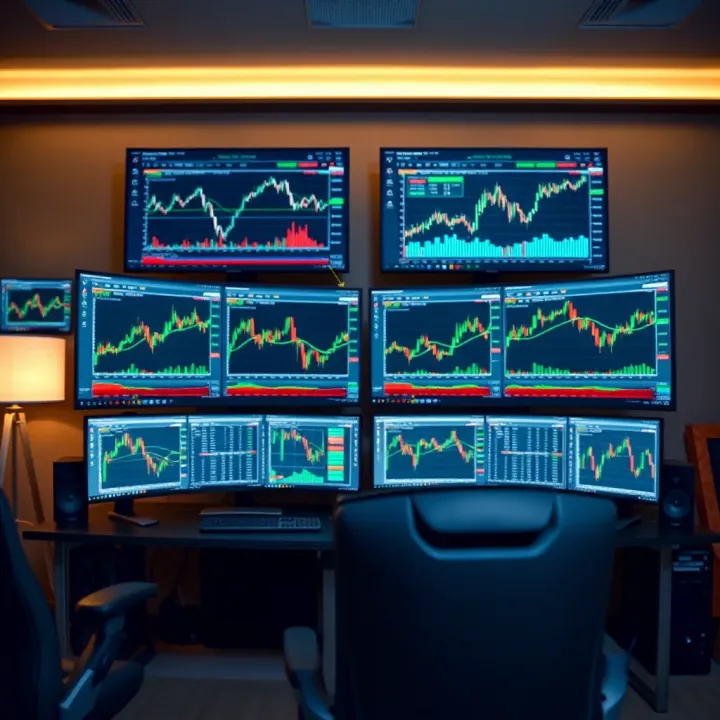
The goal is to create a workspace where information flows smoothly and decisions come quicker, giving you a clear advantage over single or dual-monitor setups.
A typical four-monitor trading setup involves placing one primary monitor directly ahead, with three additional displays flanking it at angles. Such an arrangement lets you track multiple markets, indices, or asset classes simultaneously—a must for those working in volatile markets like equities, commodities, or currencies.
Choosing the right monitors means balancing size, resolution, and panel type. Ideally, 24 to 27-inch screens with Full HD or 1440p resolution work well, offering clear visuals without overwhelming desk space. IPS panels improve colour accuracy and viewing angles, which prove handy during longer sessions.
Hardware compatibility is another key factor. Ensure your computer’s graphics card supports driving four displays smoothly. Many mid-range cards from NVIDIA or AMD cater to this need, but check port types—HDMI, DisplayPort, or DVI—and remember adapters might introduce delays.
Next, organising cables and securing desk stands or mounts are practical concerns. Investing in sturdy, adjustable mounts frees up desk space and allows flexible monitor positioning.
In short, setting up four monitors for trading enhances your market visibility, simplifies multitasking, and sharpens your decision-making ability. This guide will walk you through the hardware needed, arrangement tips, and software tools that help manage this multitasking environment efficiently.
Setting up four monitors can transform a trader’s workspace, offering clear advantages in handling the vast amount of data and charts that market decisions demand. The additional screen real estate allows for more comprehensive viewing, quicker reactions, and a neat, decluttered environment. Let’s break down these benefits to understand why traders, investors, and analysts can gain so much from such setups.
More screens mean room to display several charts, market news feeds, and trading platforms simultaneously. For example, a trader could use one screen for live price charts, another for news updates and economic calendars, the third for order book details, and the fourth for communication tools or broker platforms. This diversity aids in monitoring multiple assets without constantly toggling between windows, crucial when tracking volatile markets. With screen sizes between 24 to 27 inches common in Indian trading desks, having four of these gives a trader workspace comparable in size to a small wall, reducing eye strain and making detailed analysis easier.
With four monitors, traders gain better situational awareness during fast-paced trading sessions. Spotting market patterns or sudden shifts becomes more straightforward since more information stays visible at once. For instance, if a swing trader keeps an eye on multiple sectors like technology, banking, and commodities, each sector’s charts and indicators can have dedicated screens. This setup helps traders react faster, placing orders quickly without delays caused by flipping between tabs or applications. The Indian markets’ increasing use of streaming platforms like NSE NOW or BSE Star MF benefits particularly from this because real-time data can be spread out for immediate interpretation.
Switching screens or applications often leads to missed opportunities or errors. Four monitors reduce this hassle, allowing logical grouping of tasks—for example, one for research, one for execution, one for monitoring orders, and one for media updates. This logical placement helps organise the desk and the mind, ensuring a disciplined workflow. Cable clutter and poor arrangement can spoil the benefit, so careful cable management and ergonomic placement also matter. Plus, having everything upfront minimises distractions, which affects decision-making. Traders in tier-2 and tier-3 cities, working from compact spaces, can still achieve neat setups by using slim-bezel monitors and compact monitor stands.
The advantage of a four-monitor setup is not just more space but better clarity, faster response, and less mental load during intense trading sessions.
Ultimately, expanding screen space through four monitors builds an environment where traders can trade smarter, not harder. This system matches Indian market needs with abundant screen visibility, speed, and organisation, all critical for staying ahead.
Selecting the right monitors is key for a four-screen trading setup. Your choice affects not just the clarity and volume of data you can view, but also your ability to react quickly during fast market changes. Good monitors reduce eye strain and help you stay organised, letting you focus entirely on trading decisions without technical distractions.
Screen size and resolution influence how much information fits on each display and how clearly you can see tiny details. For traders, a common sweet spot is 24 to 27 inches. This size balances ample viewing area without overwhelming your desk space. As for resolution, full HD (1920x1080 pixels) is often the minimum for basic setups, but Quad HD (2560x1440 pixels) or even 4K (3840x2160 pixels) ensure sharp text and crisp charts.
For example, larger monitors with higher resolution let you keep multiple chart windows or live feeds open simultaneously without overlapping, saving time spent toggling between tabs. Traders who watch several indicators or news sources simultaneously greatly benefit from this clarity.
Not all LCD panels are created equal. The three main types you will find in monitors are TN (Twisted Nematic), IPS (In-Plane Switching), and VA (Vertical Alignment). For trading, IPS panels are generally better because they offer consistent colours and wide viewing angles. This means even if you glance at your monitor from a slightly skewed angle, the colours and details stay accurate.
TN panels are cheaper and have faster response times but can suffer from colour shifting and narrow viewing angles, which might tire your eyes during long sessions. VA panels offer deep blacks and good contrast but sometimes lag in response speed.
Your monitors must easily connect to your trading PC or laptop, preferably without needing extra adapters. Look out for HDMI, DisplayPort, and USB-C ports when choosing monitors. DisplayPort is often preferred for multi-monitor setups since it supports daisy chaining or multiple displays through a single cable, depending on your graphics card.
Make sure your computer’s graphics card has enough ports and supports the resolution and refresh rate of all four monitors. For instance, a popular card among traders is the NVIDIA Quadro series, which supports multiple high-res outputs comfortably.
Choosing monitors with matching or compatible input ports simplifies setup, reduces clutter, and prevents delays caused by fiddling with adapters or faulty cables.
In short, select monitors that fit your desk, display content clearly, and connect easily. This approach helps you create a tidy, efficient workspace that supports quick, confident trading decisions.
Setting up four monitors for trading demands more than just acquiring screens. The right hardware and software combination ensures your system handles multiple displays smoothly, without lag or glitches that can cost precious seconds during trades.
Your computer’s graphics card plays a major role in powering four displays simultaneously. Modern GPUs from Nvidia’s GeForce RTX series or AMD’s Radeon RX line typically offer four or more display outputs, including HDMI, DisplayPort, and sometimes DVI. It is vital to check the number and type of ports your card supports before purchase. For example, an RTX 3060 usually supports up to four displays, making it a popular choice among traders.
Be mindful that older or budget cards might limit you to two or three monitors. In such cases, external adapters or additional USB-to-HDMI converters can help, but these might add latency or reduce display quality – not ideal for trading where crisp visuals and prompt updates are essential.
If your PC has onboard graphics, it often won’t support four screens efficiently. Installing a dedicated GPU with multiple ports is the practical solution. Some multi-monitor enthusiasts also opt for workstation GPUs from Nvidia’s Quadro or AMD’s Radeon Pro series, which offer advanced multi-display management but come at a higher price.
Hardware alone doesn’t guarantee an organised multi-monitor setup. Software tools help manage window placement, monitor configuration, and display profiles, improving workflow remarkably.
Windows 10 and 11 have built-in multi-monitor support, including taskbar extension and window snapping features. However, third-party utilities like DisplayFusion, UltraMon, or Actual Multiple Monitors provide more control. These allow custom hotkeys to move windows across screens, save and load monitor layouts, and even automate monitor profiles based on the application being used.
For trading specifically, platforms like Zerodha Kite or Upstox can be arranged neatly when coupled with these management tools. Some software utilities also support colour calibration per monitor, ensuring charts and data maintain consistency across all screens.
Investing in good hardware and supporting software pays off by reducing distractions, preventing screen flickers, and speeding up navigation among trading windows.
In summary, focus on a graphics card that natively supports four monitors and get software utilities to organise your workspace efficiently. This approach keeps your trading setup reliable and responsive, essential for capturing timely market opportunities.
Setting up four monitors is only half the battle; arranging them correctly has a big impact on usability and comfort. A well-organised workspace improves focus, reduces fatigue, and speeds up decision-making — crucial for traders keeping an eye on fast-moving markets.
Position your monitors so that your eyes naturally rest near the centre of the middle screens. Ideally, the top edges of the screens should be roughly at eye level to avoid neck strain. The distance between your eyes and the monitors should be about an arm’s length (50-70 cm). For example, the two central monitors can display primary charts and trading platforms, placed right in front with a slight inward tilt.
Place the additional two monitors on the sides, angled so that you barely need to turn your neck but can easily glance their content. This setup prevents over-extension and keeps your posture healthy during long trading sessions. Adjustable monitor stands or arms help fine-tune height and viewing angles, essential when working in a space with limited desk depth.
Assigning specific tasks to each screen improves workflow speed and reduces confusion. For instance:
Primary Screen (centre-left monitor): Real-time price charts and technical analysis tools
Secondary Screen (centre-right monitor): Order execution platforms and watchlists
Tertiary Screen (left-side monitor): News feeds, market sentiment analyses, and economic calendars
Quaternary Screen (right-side monitor): Communication tools like chat, emails, or brokerage dashboards
This logical division helps you keep everything in view without shuffling windows constantly. Many traders swap these assignments based on their workflow but having a clear starting point makes setting up quicker.
Four monitors mean a tangle of cables—display cables (HDMI, DisplayPort), power cords, and USB connections. Use cable organisers, clips, or spiral wraps to bundle cables neatly behind your desk. Label cables during setup to avoid confusion when unplugging or troubleshooting.
Power strips with surge protection are a must to safeguard your expensive gear from voltage fluctuations, common during monsoon season in many cities. Place the strip in an accessible spot but out of the way to avoid accidental unplugging. Also, check the total power rating so your setup doesn't overload the circuit.
Proper workspace arrangement isn’t just about looks; it directly impacts your trading efficiency and physical wellbeing. Spending time upfront to organise correctly pays off daily.
Careful placement, smart task distribution across screens, and neat cable/power management transform multiple monitors from a chaotic mess into a smooth, professional trading station.
Keeping your four-monitor trading setup in good shape ensures smooth performance and prevents disruptions during critical trading hours. Over time, dust buildup and screen misalignment can degrade image quality, while outdated hardware can limit your ability to expand or adapt to changing needs.
Dust can accumulate quickly on monitor screens and vents, affecting display clarity and potentially causing overheating. Wiping screens gently with a microfiber cloth daily or every alternate day helps maintain sharp visuals. Avoid using harsh chemicals; a bit of distilled water or specialised screen cleaner works best.
Calibration is equally important. Over time, colours may shift or brightness levels may become inconsistent across the four displays, leading to confusion when analysing charts or reading data. Tools like the Windows built-in calibration or third-party apps can fine-tune colour accuracy and brightness. For example, a trader noticing a duller screen compared to others can recalibrate to ensure uniformity, preventing eye strain and misinterpretation of data.
It’s a good habit to schedule calibration monthly, especially if your monitors are from different manufacturers or models. This attention to detail guarantees that every chart, news feed, or indicator is presented clearly and reliably.
A trading setup should grow with your needs without forcing a complete overhaul every time. Start by choosing monitors with multiple connectivity options like HDMI, DisplayPort, or USB-C. This flexibility helps accommodate newer devices or upgraded graphics cards without hassle.
Consider investing in a graphics card that supports more than four displays at reasonable resolution and refresh rates. Some cards allow daisy-chaining via DisplayPort, reducing cable clutter and hardware complexity.
Look for monitors with features such as adjustable stands, VESA mounting compatibility, and energy-efficient modes. These save space, enhance ergonomics, and reduce electricity bills.
Also, keep software aspects in mind. Multi-monitor management tools should support scaling, layouts, and quick switching between profiles. Regularly update drivers and software to avoid bugs or security vulnerabilities.
Staying proactive with maintenance and choosing scalable components protects your trading setup from becoming obsolete or underperforming. It means you can focus on market moves instead of technical hiccups.
Upgrading gradually is better than sudden, costly replacements. For instance, upgrading one monitor at a time to a higher resolution or newer panel type keeps costs manageable and workflow uninterrupted. Similarly, adding peripherals like a monitor arm or cable organiser improves workspace hygiene without a big investment.
In short, keeping your four-monitor trading setup tidy, calibrated, and ready for upgrades ensures your decision-making remains sharp and uninterrupted.
📊 Learn QX trading basics, strategies, risks, and regulations tailored for Indian investors. Get practical tips to trade safely and effectively today!
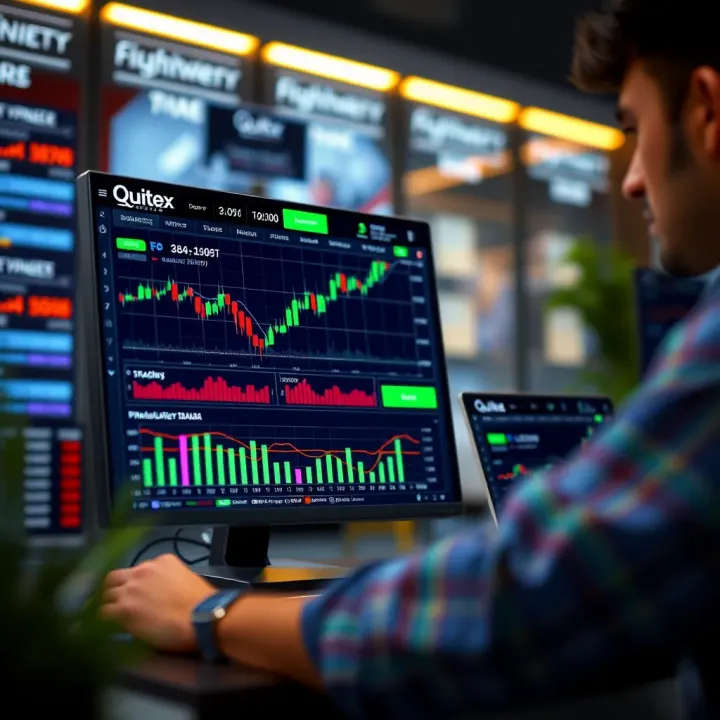
Explore Quotex's trading platform features, user interface, security, and payment methods 🔒📱 Ideal guide for traders in India seeking reliable online trading insights 🇮🇳
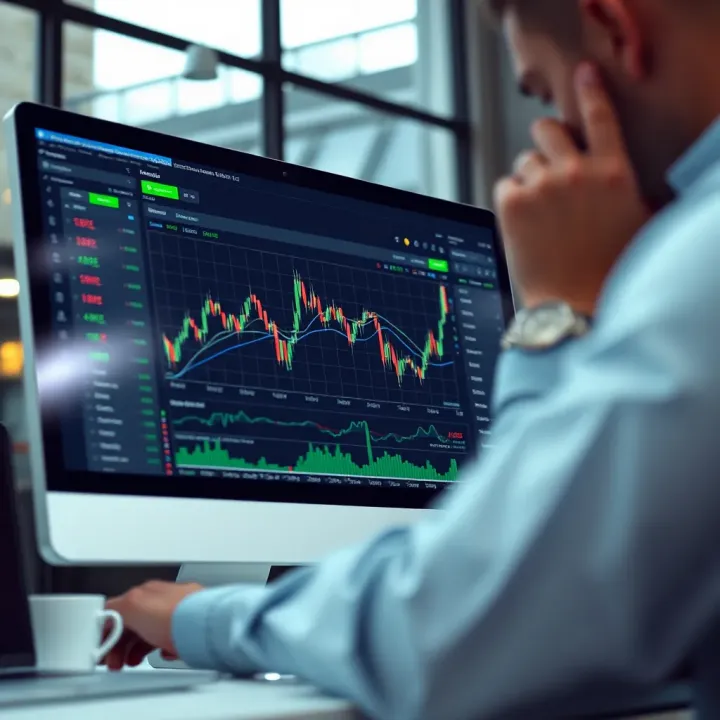
Explore Quotex web trading platform 🌐, its features, security 🔒, usability, and trading options. Know everything traders in India 🇮🇳 should consider before starting.
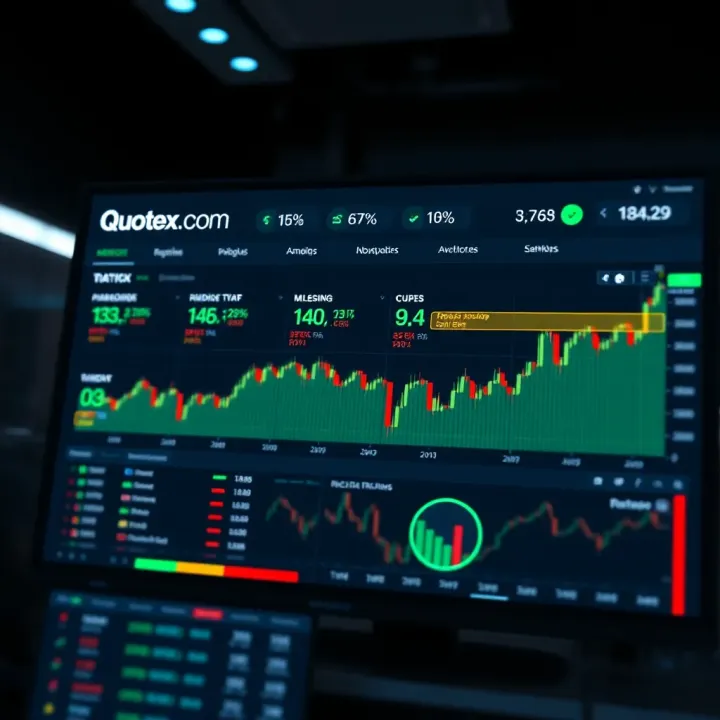
Explore Quotex.com with our detailed guide 📊 including features, trading tips, setup, risk management & why it's popular among Indian traders 🇮🇳.
Based on 5 reviews