
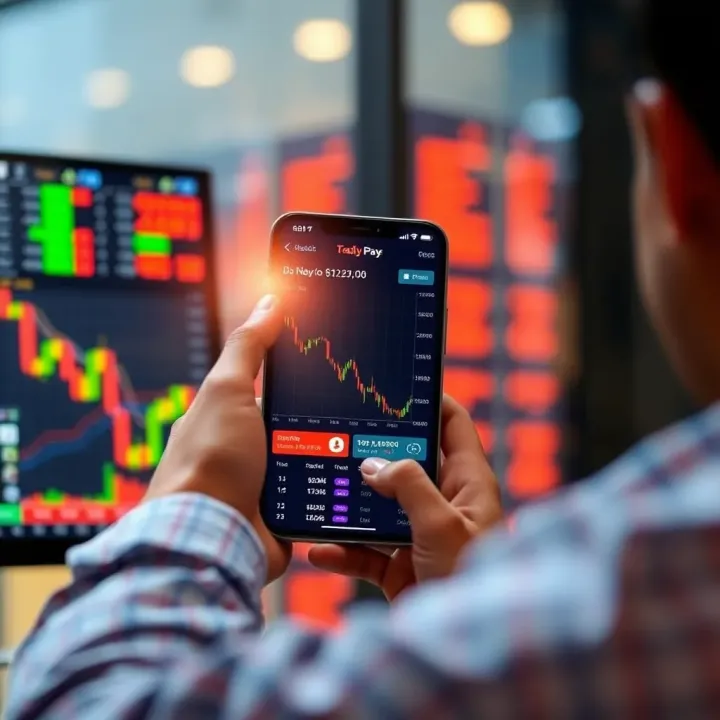
Choosing the Best Trading App for India
Find the best trading app for Indian investors 📱. Learn key features, top apps, safety tips, SEBI guidelines, and smart strategies to boost your returns ₹.
Edited By
Sophie Turner
Choosing the right mobile for trading in India means balancing several practical needs. Traders rely on their phones for quick market access, real-time notifications, and smooth use of trading apps like Zerodha, Upstox, or Angel Broking. So the device's performance, battery life, and network stability cannot be compromised.
Mobile trading involves tracking the Sensex and Nifty 50 closely, so a phone with a sharp display is a must. Clear visuals help you spot trends and execute orders faster. Ideally, the screen should be at least 6 inches with Full HD+ resolution or better for a comfortable view of charts and data.

Performance-wise, choose phones with powerful processors such as the Qualcomm Snapdragon 7 or 8 series or MediaTek Dimensity chips. These handle app multitasking well, so you can switch between market trackers, news, and analytics smoothly without lag. At least 6 GB of RAM is advisable for consistent, fuss-free performance.
Battery life also plays a significant role — nobody wants their phone dying mid-trade. A capacity of 4,000 mAh or more is ideal, especially with fast charging support. It ensures reliability throughout the trading day, which often extends beyond typical office hours during earnings announcements or market swings.
Connectivity matters too. Look for phones supporting dual SIM with 4G LTE or 5G, along with stable WiFi. These features prevent connectivity disruptions which can cause unwanted delays or losses in fast-moving markets.
Here’s a quick checklist for essentials in a trading mobile:
Display: Minimum 6-inch, at least Full HD+
Processor: Snapdragon 7/8 series or equivalent
RAM: 6 GB or higher
Battery: 4,000 mAh+ with fast charging
Connectivity: Dual SIM, 4G/5G, WiFi
Storage: Minimum 128 GB for apps and data
Remember, the mobile you choose should complement your trading style and frequency. For active day trading, speed and responsiveness matter most; for occasional investors, a balanced device with good battery might suffice.
In the Indian market, brands like Xiaomi, Realme, Samsung, and OnePlus offer several models catering well to these requirements at different price points. We will explore some of the best mobiles under various budgets later in the article.
Selecting the best mobile is not just about specs but matching the device with your trading needs and budget. This intro gives you a clear idea of what features to prioritise before diving into specific models.
Choosing the right mobile for trading involves considering specific features that directly impact your ability to trade efficiently and reliably. Traders need devices that can handle fast app performance, provide clear visuals for chart analysis, ensure uninterrupted connectivity, and last through market hours without frequent recharges.
A fast processor plays a vital role for trading apps as they constantly update stock prices, indexes, and news feeds in real time. If the processor lags, you may miss subtle market movements or face delays placing orders. For instance, a mobile with a Snapdragon 730 or higher chipset typically provides smooth handling of trading apps like Zerodha Kite or Upstox.
Having adequate RAM complements the processor by allowing multitasking without slowing down the device. When monitoring multiple charts while messaging or using news apps simultaneously, 6GB RAM or more ensures trading apps update seamlessly without freezing or crashes. Lower RAM mobiles often struggle, especially with live market notifications demanding constant refresh.
Screen size affects how easily you can interpret complex market charts and candlestick patterns. A display of at least 6 inches offers enough room to view detailed graphs without scrolling excessively, making intraday trading or technical analysis less cumbersome.
Resolution and colour accuracy are equally important for clarity. Mobiles with Full HD+ (1080p) resolution and good colour gamut help distinguish subtle differences in green and red alerts or chart indicators. This reduces eye strain and avoids confusion during long trading sessions.
Trading demands timely data delivery, so mobiles must support 4G or preferably 5G for faster speeds and lower latency. A 5G-enabled phone handles rapid updates effortlessly in metro cities like Bengaluru, Mumbai, and Delhi, where network coverage is improving quickly.
Stable Wi-Fi connectivity complements mobile data, especially for traders working from home or offices with better internet plans. Bluetooth too matters if you prefer wireless peripherals like headphones for market updates or notifications.
Market hours can stretch over several hours, making battery endurance essential. Mobiles with 4,000 mAh or larger batteries often last a full trading day even with continuous app usage and alerts.
Fast charging tech can save traders during hectic days. For example, a phone with 30W or higher fast charge gets back to full capacity in under an hour, ensuring minimal downtime during busy trading sessions.
Picking a mobile tailored to these features directly affects your trading efficiency. Skimping on processor speed or battery capacity can lead to missed opportunities, while strong connectivity ensures you stay plugged into the market pulse throughout the day.
Selecting the right mobile for trading involves more than just picking a device with the latest specs. It’s about finding a phone that matches your trading style, budget, and need for real-time performance. From professionals who monitor markets all day to casual investors checking intermittently, the range of mobiles suitable for trading in India spans several categories.
Premium mobiles come with powerful processors, ample RAM (typically 8GB or more), and vibrant high-resolution displays. Models like the Samsung Galaxy S23 Ultra or Apple iPhone 15 Pro provide smooth multitasking, fast app launches, and clear visuals which are important for analysing charts and keeping up with live market feeds. These devices also offer longer software support, which ensures compatibility with evolving trading apps.
Flagship models suit active traders because they handle multiple trading platforms without lag and maintain stable connectivity through advanced 5G and Wi-Fi 6 support. For instance, a professional day trader using Zerodha Kite alongside news apps needs swift processing to react without delay. The excellent battery life on these phones also means traders won’t miss critical alerts during prolonged market hours.
Mid-range phones strike a balance between cost and performance, often priced between ₹15,000 to ₹30,000. Devices like the Xiaomi Redmi Note 12 or Samsung Galaxy M14 offer decent processors and enough RAM (4GB-6GB) to support popular trading apps effectively. This category fits well for part-time traders who check stock movements occasionally but rely on solid performance when needed.
Part-time or beginner traders prefer these models because they deliver dependable app performance without requiring a hefty investment. These mobiles run key features like real-time notifications and chart updates smoothly. Plus, mid-range phones generally come with decent displays and battery life, which is enough for daily trading activities without constant recharging.
Affordable mobiles under ₹10,000, such as the Realme C30 or Poco C50, can also handle basic trading apps like Angel Broking or Upstox Lite. These phones are practical for casual traders who log in occasionally to check stocks or place simple orders. They manage the essential needs of trading apps without the weight of high-end features.
However, in lower price segments, some trade-offs exist: sluggish performance on multiple apps, less accurate display colours, and shorter battery life. Casual traders should keep in mind that these phones may not cope well with extended multitasking or heavy chart analysis. Still, for someone mainly focused on basic buy and sell actions, they prove to be budget-conscious yet useful options.
Choosing the right phone tier depends on how actively you trade, your budget, and the importance of speed and reliability in your transactions.
Each category offers models tailored to varying trader needs, so understanding your trading routine is the first step to picking the best mobile for your market moves.
Trading on the go demands access to reliable mobile trading apps that respond well to market changes in real time. Choosing a mobile that supports popular trading platforms ensures you don't miss crucial trade opportunities or alerts. Compatibility matters because some devices handle certain apps better, affecting speed and responsiveness.
In India, apps like Zerodha Kite, Upstox, and Angel Broking dominate the retail trading scene. Zerodha Kite stands out for its clean interface and powerful charting tools, which experienced traders often favour for technical analysis. Upstox offers competitive brokerage and fast trade execution, making it attractive for active traders. Angel Broking’s app combines ease of use with features such as voice-based commands, helping beginners navigate trading more comfortably.
Keep practical factors in mind: these apps regularly update features, so ensuring your mobile supports their latest versions is key for smooth trading. Their performance will impact how quickly you see market moves and execute orders, affecting your trade success.
Focus on apps that offer real-time market data updates without lag and quick order placement. Look for features like live charts, notifications for price alerts, and integrated news feeds. Efficient memory use and minimal battery drain also matter, especially if you trade during market hours that can stretch for several hours.
An app with good crash recovery ensures you won’t lose session data during unexpected shutdowns. For example, Zerodha Kite allows seamless recovery in case the app closes unexpectedly, preventing data loss. These features are crucial so you can stay in control without technical hiccups.
Before installing, check if your mobile meets the app’s system requirements. Most trading apps specify minimum Android versions (usually 7.0 Nougat or higher) or iOS versions. Some older mobiles struggle with newer app functionalities, leading to slow response or crashes. For instance, a trader using an entry-level phone with a less capable CPU may find apps stuttering under heavy charting and multitasking.
Also, verify the available storage space—trading apps combined with data-heavy charts and notifications can consume several hundred MBs. Insufficient space leads to sluggish app behaviour.
App developers roll out updates to fix bugs, add security patches, and improve usability. Running outdated versions can expose your trading to glitches or security risks. Keeping your app updated ensures new features are accessible and known issues resolved.
That said, some updates might briefly affect app stability or take additional storage. It helps to check user reviews post-updates, especially on platforms like Google Play Store or Apple App Store, before updating immediately during critical trading periods. Also, ensure your mobile’s operating system receives timely updates to support app upgrades.
Choosing a compatible mobile and maintaining up-to-date trading apps guard you against missing timely trades and safeguard your investing activities. Regular checks on app support and performance are as vital as selecting the right mobile itself.
Optimising your mobile setup for trading can noticeably improve both speed and reliability, which are critical when the market moves fast. Beyond choosing a good mobile, configuring it properly ensures smoother app performance, better security, and more effective alerts. These factors matter especially in India, where fluctuating network conditions and data privacy concerns often come into play.
Two-factor authentication and app locks: Using two-factor authentication (2FA) adds an extra layer of security by requiring not only a password but also a one-time code sent to your mobile or generated by an authenticator app. This reduces the risk of unauthorised access if your login details are compromised. Many trading apps like Zerodha Kite and Upstox support 2FA, so it’s wise to enable this feature to protect your investments.
App locks provide another safety net. You can set up specific PINs or biometric locks (like fingerprint or face recognition) solely for your trading apps. This prevents others from accessing your account even if they have physical access to your phone. For instance, if you use a shared mobile or occasionally hand it over to family, this step keeps your trading information secure.
Secure network usage and VPNs: Conducting trades over public Wi-Fi without protection can expose sensitive data. Using a virtual private network (VPN) encrypts your internet traffic and hides your IP address, making it harder for attackers to intercept information. Indian traders often travel or work remotely where secure Wi-Fi might not be guaranteed; a reliable VPN helps maintain privacy and reduces security risks.
Moreover, when on mobile data, VPNs can provide a consistent connection sometimes enhanced by better routing. Choosing trustworthy VPN providers is essential because low-quality ones may slow down your connection or pose their own privacy risks.
Customising alerts for timely actions: Setting up precise notifications for price movements, trade confirmations, and market news helps you respond quickly without being overwhelmed. A trader focusing on Nifty volatility might want alerts only for significant index changes rather than every small fluctuation, avoiding unnecessary distractions.
Most trading apps allow customisation based on stock price thresholds, volume spikes, or specific events like quarterly results. Tailor notifications to your trading style to stay updated yet focused.
Avoiding distractions while monitoring markets: An overloaded notification panel can hamper decision-making by diluting critical trading alerts among social media updates or messages. Switching your phone to 'Do Not Disturb' mode during market hours, except for trading apps, can maintain your focus.
Additionally, turning off non-essential notifications or using app-specific settings helps ensure that only relevant market alerts come through. This reduces cognitive load and helps you track price movements or news headlines that demand immediate attention.
Cloud backups for trade history: Keeping a backup of your trade history and transaction records in the cloud safeguards against data loss if your mobile is damaged or resets unexpectedly. Services integrated with trading platforms often offer seamless synchronisation with cloud storage, so your records stay current across devices.
For example, Zerodha’s console web interface automatically backs up transaction statements, enabling easy retrieval when needed for tax filing or analysis.
Data privacy best practices: Besides backing up, protecting your data from unauthorised access is vital. Avoid saving sensitive information such as passwords or PINs in plain text files or unsecured apps. Use encrypted storage options or password managers recommended for Indian users.
Also, regularly review app permissions to restrict unnecessary access to your contacts or photos, which could potentially leak personal data. Being cautious about where and how your data syncs reduces risks of breaches and maintains your overall trading privacy.
Remember, your mobile setup is not just about hardware specs; optimising software security, alerts, and data management is equally necessary for confident and efficient trading.
Find the best trading app for Indian investors 📱. Learn key features, top apps, safety tips, SEBI guidelines, and smart strategies to boost your returns ₹.
Explore Qutex Trading platform features, fees, and security 🔒 to help Indian traders make informed choices 🇮🇳. Compare brokers and get tips for success.
📅 Know Exness trading hours in India aligned with IST. Learn market open/close timings, factors affecting availability & plan your forex/CFD trades smartly.
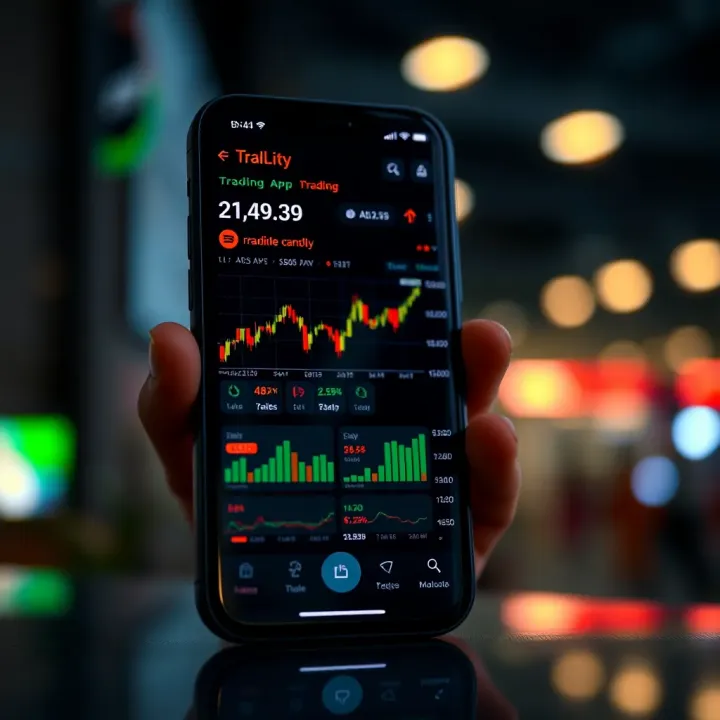
📱 Discover how to select an easy trading app in India with secure features, low fees, and reliable support. Start trading confidently in stock & commodity markets today!
Based on 13 reviews