
Choosing an Easy Trading App in India
📱 Discover how to select an easy trading app in India with secure features, low fees, and reliable support. Start trading confidently in stock & commodity markets today!
Edited By
Emma Caldwell
Choosing the right computer for trading is more than just picking a fancy model; it directly affects your ability to execute trades accurately and on time. Trading environments, especially on Indian platforms like Zerodha Kite, Upstox, or Angel Broking, demand machines that can handle multiple charts, live data feeds, and complex algorithms without freezing or lag.
Traders often underestimate how hardware influences their performance. A delay of a few milliseconds can mean the difference between profit and loss, especially in intraday or algorithmic trading. This makes selecting a system tailored to your trading style essential.
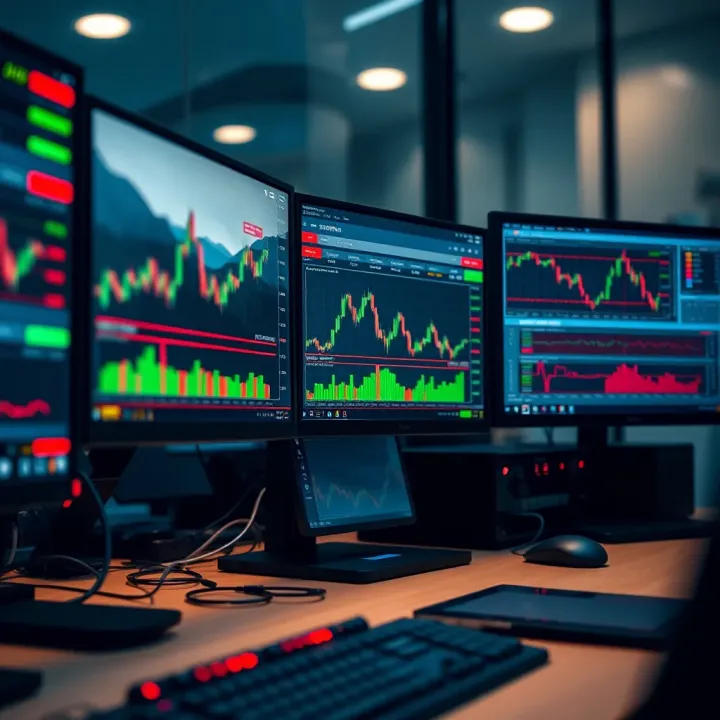
A computer that lags or crashes during critical market moments can cost you dearly — investing in the right setup upfront pays off.
Whether you rely on charting tools, real-time news feeds, or software like MetaTrader 4/5, your computer’s processor speed, RAM, and storage type matter. For example, traders dealing with vast Excel sheets and multiple browser tabs need sufficient memory and quick data access to prevent slowdowns.
In India, budget-friendly options also exist that meet these requirements, especially mid-range laptops with SSDs and at least 8GB RAM, which can support popular trading platforms smoothly. Desktop configurations may offer more power but require space and stable power backup, which traders should consider alongside UPS (Uninterruptible Power Supply) investments.
This article will help you understand the specifications to prioritise based on your trading needs, ensuring your machine supports seamless market engagement without unnecessary overheads or interruptions.
Selecting the right computer for trading means focusing on components that affect speed, reliability, and multi-tasking ability. A trading setup must swiftly handle real-time data, multiple applications, and chart analysis without lagging. This efficiency directly impacts decision-making and can influence your profits.
Trading involves running complex software that updates stock prices, processes live market feeds, and performs analysis in real time. A sluggish processor can delay these actions, causing missed opportunities. For instance, day traders depend heavily on quick calculations and instant order executions, so a slow CPU might cost them dearly.
A multi-core processor speeds up computing tasks by handling several operations simultaneously. Intel Core i5 or AMD Ryzen 5 processors are decent mid-range options suitable for most trading activities. For high-frequency traders, an Intel Core i7 or Ryzen 7 with higher clock speeds and multiple cores offers the needed edge in responsiveness and stability.
Traders often run multiple apps together—broking platforms like Zerodha Kite, real-time charts, news feeds, and spreadsheets. Insufficient RAM leads to slowdowns and crashes. A minimum of 8GB RAM is recommended, while 16GB is better for handling diverse software simultaneously without hiccups.
Storage is not just about space but also speed. Solid State Drives (SSD) read and write data much faster than Hard Disk Drives (HDD), resulting in quicker system boots and faster loading of trading software. SSDs also improve overall system responsiveness, saving valuable seconds during crucial market moves. A good mix is using SSD for the operating system and trading software, and HDD for storing older data or backups.
Running multiple monitors lets traders watch several charts, news, and order books simultaneously. This increases situational awareness and decision speed. For example, watching Nifty, Sensex, and global indices on separate screens helps catch trends that might otherwise go unnoticed.
Though trading software rarely requires high-end graphics, a dedicated graphics card eases multi-monitor management and smoothens display updates. Integrated graphics on modern processors may suffice for beginners, but a basic Nvidia GTX or AMD Radeon card supports efficient rendering when dealing with several large screens.
A stable, high-speed internet connection is non-negotiable. Wired Ethernet offers reliability, but many traders use Wi-Fi with good routers supporting 5GHz bands to avoid interference. Backup options, like mobile data via hotspot from Jio or Airtel, provide insurance during outages.
Unforeseen power disruptions can interrupt trades, causing losses. Using an uninterruptible power supply (UPS) ensures your system runs long enough to close positions or save data safely. For laptop users, a robust battery is key if working on the go; at least 6-8 hours battery life will cover most trading sessions without urgent charging.
A trading computer isn't just about raw power but balancing speed, stability, and display flexibility. Focusing on these key requirements sets a strong foundation for successful trading.
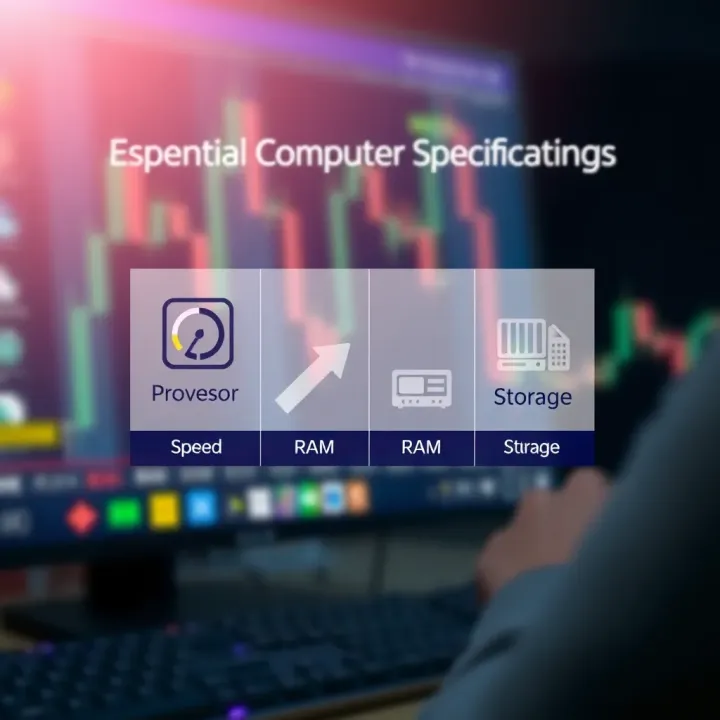
Understanding the type of trading you pursue helps determine the hardware you need. Different trading styles place varied demands on computer performance, affecting your system choice and budget. For example, high-speed, frequent order placement in day trading requires more powerful hardware than the patience-driven nature of long-term investing.
Day trading and high-frequency trading (HFT) focus on rapid buy-sell actions within seconds or minutes. Here, every millisecond counts. Delays in processing or network lag can lead to missed opportunities or losses. Therefore, these traders need hardware that delivers fast processing speeds, quick data handling, and rock-solid stability.
In practice, this means a trading computer with a high-end processor—typically Intel i7 or AMD Ryzen 7 and above—with at least 16GB of RAM. Instantaneous data retrieval and multi-tasking capabilities prevent sluggishness during rapid trades. Stability is equally important to avoid unexpected system crashes in volatile market conditions.
A solid choice for day traders and HFT enthusiasts includes a multi-core processor with turbo boost features that can handle real-time charting software and multiple trading platforms simultaneously. SSD storage is essential for fast boot times and quick access to large datasets.
On the connectivity front, dual Ethernet ports or support for high-speed internet like fibre broadband ensure constant, low-latency connections. These setups often come with robust cooling systems since such power usage generates noticeable heat. Traders investing ₹70,000 or more on their setup often see a good balance between speed and reliability.
Swing traders and long-term investors focus on trends over days, weeks, or months, so their hardware demands are less intense. These strategies don’t require lightning-fast order executions or constant monitoring of multiple charts.
A mid-range system with an Intel i5 or AMD Ryzen 5 processor and 8GB RAM generally suffices. The aim here is smooth running of trading platforms and analysis tools without the need for cutting-edge speed, reducing the overall cost and power consumption.
For retail investors beginning their journey or those focusing on long-term holdings, it makes sense to balance performance with budget. You don’t have to splurge on expensive high-frequency hardware. Instead, prioritize reliable components and adequate memory.
Affordable models from brands like Dell and HP offer configurations around ₹40,000 to ₹50,000 that support popular Indian trading software such as Zerodha Kite or Angel Broking comfortably. Upgrading memory or adding a solid-state drive later can extend the system’s usability without large upfront expenses.
Allocate your budget based on trading style and software needs to get the best return on investment from your computer purchase.
In short, your hardware choices should align with the speed and reliability your trading style demands while keeping an eye on cost-effectiveness for longer-term strategies.
Choosing a computer for trading means looking beyond just hardware specs; software compatibility is equally vital. The trading software you use must run smoothly and responsively on your system to avoid any lags or crashes that could cost you in fast-moving markets. In India, popular trading platforms and software have specific requirements that influence your choice of computer hardware and operating system.
The National Stock Exchange (NSE) and Bombay Stock Exchange (BSE) provide a range of trading platforms that dominate India’s equity markets. Traders rely heavily on platform-native apps like NSE’s NEAT and BSE’s BOLT, along with popular third-party platforms that connect to these exchanges. Ensuring your computer supports these platforms without hiccups is essential. Many NSE and BSE platforms require either Windows or web browser compatibility, so having a system with up-to-date Windows OS or a reliable browser like Google Chrome or Microsoft Edge can improve your trading experience.
Global trading software compatibility is growing in importance, especially for traders involved in international equities, commodities, or forex. Platforms such as MetaTrader, Interactive Brokers, and ThinkorSwim can open global markets to Indian investors. Since some of these applications demand higher processing power or specific OS versions, checking if your computer supports them efficiently is key before investing. For instance, MetaTrader works best on Windows systems and benefits from a fast processor and ample RAM for running multiple indicators and charts.
Leading Indian trading platforms like Zerodha Kite, Upstox, and Angel Broking have relatively modest system requirements but still benefit from modern hardware. These online platforms are primarily browser-based or come with lightweight desktop apps. They need at least an Intel i3 or equivalent processor, 4GB RAM, and a solid-state drive (SSD) for faster data handling. A good internet connection paired with these specifications ensures trades execute quickly without freezing or delays, particularly useful for active traders.
Third-party charting and analysis tools such as TradingView, AmiBroker, and NinjaTrader add critical analytical depth but often have steeper system demands. For real-time charting with multiple indicators running simultaneously, these tools need at least 8GB RAM and mid-level graphics capability, along with a fast processor. Since these tools analyse large datasets and deliver visual insights in milliseconds, skipping on specs often leads to slow rendering and missed trading opportunities.
For all trading software, prioritising a clean, updated system with sufficient RAM and processing speed avoids unexpected lags that can severely affect trade execution in volatile markets.
By matching your system’s capabilities to the demands of your chosen trading software, you improve both speed and reliability in your trading activities—essential factors for success in India’s competitive markets.
Choosing the right computer for trading is not just about picking high-end specs. Your budget plays a critical role in deciding what hardware you can realistically afford while meeting your trading needs. Keeping a clear budget helps avoid overspending on unnecessary features or settling for underpowered machines that slow down your trading activities.
A well-planned budget ensures that you get the best value without compromising on essential performance aspects like processor speed, memory, and reliable connectivity. Indian traders, especially freshers or those starting small, benefit greatly from budget-aware purchases that balance cost and capability.
For those new to trading, entry-level laptops and desktops offer a practical start without burning a hole in the pocket. Machines priced around ₹30,000 to ₹50,000 can easily handle popular trading platforms like Zerodha Kite or Upstox, especially if your trading style does not require heavy multitasking. Brands like Dell Inspiron, HP Pavilion, or Acer Aspire provide decent processors (Intel i3 or Ryzen 3), 4-8 GB RAM, and SSD storage options which improve load times and responsiveness.
These systems may not support multiple monitors smoothly but work well enough for swing trading or starting with intraday trades. Plus, they tend to be portable, enabling you to trade from anywhere, which many beginners appreciate.
If you already own a basic computer, simple upgrades can significantly improve your trading experience. Installing an additional 4 GB RAM stick or upgrading from an HDD to a 256 GB SSD can speed up the system without a big investment, typically costing under ₹5,000-7,000 in India. Regular cleaning of junk files and managing startup apps also keeps the machine nimble.
External accessories like a basic multi-monitor stand or a stable wired internet connection can further enhance setup efficiency without considerable costs. These small improvements often beat replacing the entire system.
Once your trading demands grow, or if you prefer active day trading, mid-range to high-end systems become necessary. Investing in at least an Intel i5 or Ryzen 5 processor paired with 16 GB RAM ensures smooth multitasking, especially with multiple browser tabs, trading software, and analytical tools running simultaneously.
Apart from faster processors and more memory, the quality of the display matters—IPS screens with good colour accuracy and low eye strain help during long trading hours. SSDs of 512 GB or more provide speedy boot-ups and quicker app loading times.
Features like dedicated graphic cards (NVIDIA or AMD) are increasingly useful for traders using advanced charting software such as Amibroker or TradingView. Also, ensuring system compatibility with Windows 11 or the latest OS versions keeps you future-ready.
Popular brands resonate with Indian traders for their reliability and local service options. Lenovo ThinkPad series and Dell XPS remain favourites for professional setups, offering robust build and powerful internals. Asus ROG and Acer Predator, although primarily gaming laptops, are spotted among traders who value high performance and enhanced graphics.
On the desktop front, customised setups from local vendors offer flexibility and value. Indian traders often prefer configurations that can be upgraded over time by swapping out RAM or storage, helping distribute expenses. This approach fits well given fluctuating trading needs and budget constraints.
Investing smartly in your trading computer, tuned to your trading style and budget, safeguards your trading efficiency and reduces stress during market volatility.
To keep your trading setup running smoothly, regular maintenance is essential. Even the best machines can slow down or behave unpredictably without proper care. Maintaining hardware and software not only prevents unexpected outages but also ensures your trades execute without glitches, which is critical in volatile markets.
Trading platforms and operating systems often receive updates to fix bugs, patch security holes, and improve performance. Skipping these updates might leave your system vulnerable to crashes or hacking attempts. For instance, a delayed Windows OS update can cause compatibility issues with the latest version of Zerodha Kite or Upstox software, hampering trading efficiency. At the same time, security patches stop malware from exploiting known vulnerabilities.
Not just the OS, but the trading software itself requires timely updates. This is because brokers regularly tweak their platforms for faster data feed and better features — running out-of-date versions can cause data delays or disconnects.
Traders often deal with sensitive financial data and logged-in trading accounts. Malware attacks, especially ransomware or keyloggers, can compromise this data or lock you out just when markets are volatile. Installing a good antivirus solution and scanning frequently helps detect intruders early.
Phishing attempts through fake emails or messages pretending to be from your broker are common. Never click on links without verifying the sender, and always log in directly through the official app or browser. Many Indian brokers also offer two-factor authentication (2FA), which adds an extra security layer and can save your assets from fraud.
Dust accumulation inside desktop towers or laptop fans reduces airflow, causing overheating. Overheated systems throttle performance and can randomly shut down, spoiling critical trades. Regularly open your computer’s case and gently clean dust with a soft brush or compressed air can. For laptops, ensure vents aren’t blocked by using them on hard surfaces.
Besides dust, consider temperature monitoring tools available in Windows or third-party apps. If your CPU or GPU temperatures constantly exceed 80°C, invest in better cooling solutions like additional fans or a cooling pad.
Loss of trade history, important spreadsheets, or settings due to unexpected crashes can be frustrating. Set up automatic backups using cloud services like Google Drive or OneDrive, or even an external hard drive. This habit ensures you can quickly restore your trading environment after hardware failure or software issues.
Troubleshooting skills also pay off. Simple checks like verifying internet connectivity, restarting your system, or updating drivers often resolve common problems. For persistent issues, having basic knowledge about system logs or error codes helps communicate better with technical support, speeding up solutions.
Keeping both software and hardware in prime condition lets you focus on trading without unnecessary interruptions. Small efforts now can save you from costly mistakes later.
📱 Discover how to select an easy trading app in India with secure features, low fees, and reliable support. Start trading confidently in stock & commodity markets today!

📱 Find the best mobile for trading in India with fast performance, long battery life, and smooth apps. Tips and top models to enhance your trading game! 📈
📱 Find the best online trading app in India! Compare features, security, fees & compliance to boost your investments confidently and trade smartly. 📈
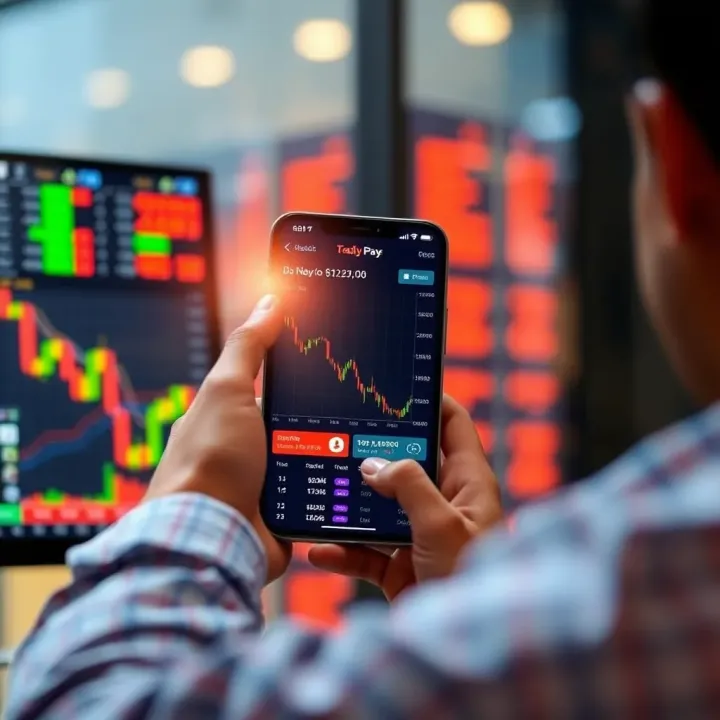
Find the best trading app for Indian investors 📱. Learn key features, top apps, safety tips, SEBI guidelines, and smart strategies to boost your returns ₹.
Based on 6 reviews